How to Play Disk Dash Online
Sort the disks: red goes left, blue goes right, before the stack hits the laser. Race a friend or a bot for 2 minutes and drop garbage on them, or play Classic alone.. Free browser multiplayer for 1 to 2 players. No download, no account, one shareable link.
How to Play Disk Dash Online
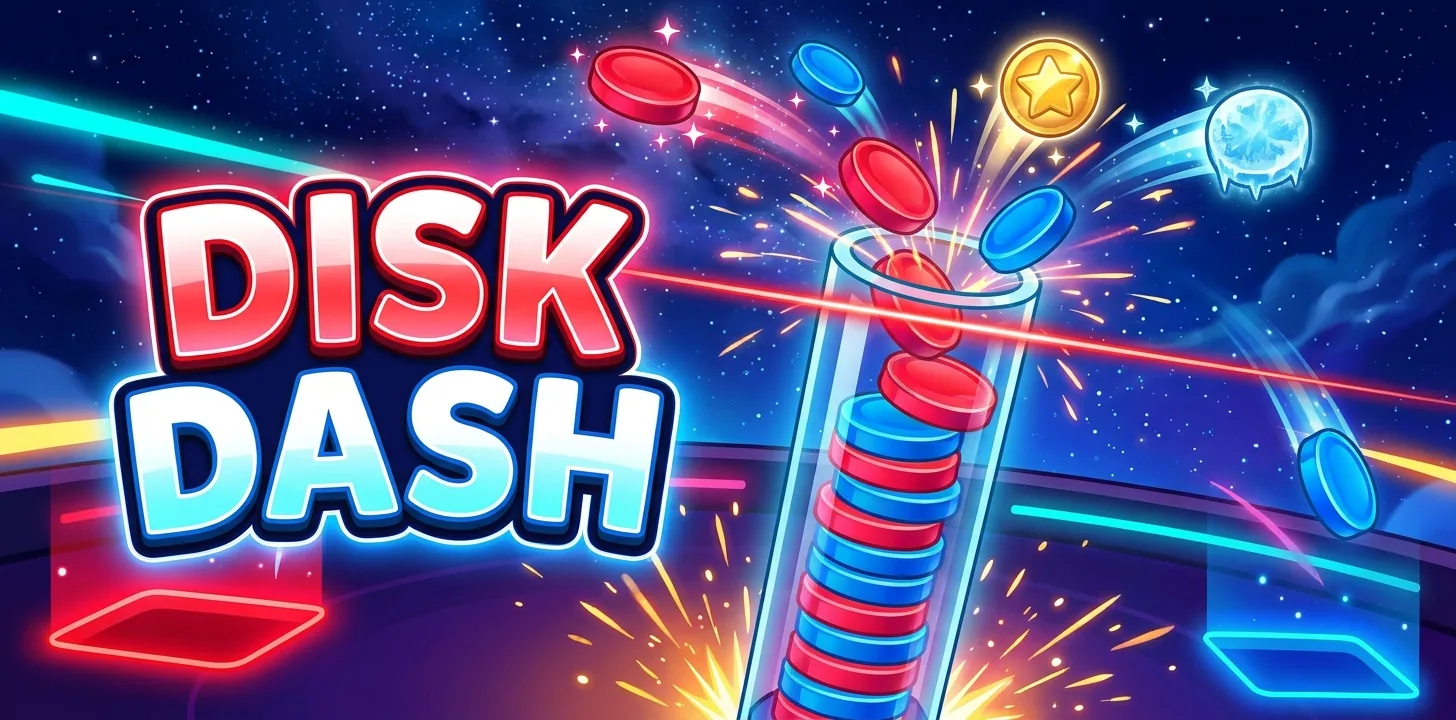
Sort every disk to its side and outlast your rivals. Last one standing wins, or the top score when 2 minutes run out.
Red disks go LEFT and blue disks go RIGHT. Use the arrow keys or A and D, tap the left or right half of the screen, or swipe. A wrong side costs a life (you have 3).
Every sort pushes the stack down. If the stack touches the red laser, you are out. The stack rises faster the more you sort.
Special disks: gold (+5), ice (freezes the stack), heart (+1 life), rainbow (auto-sorts the next 5) go to either side. A bomb must be swiped DOWN (or press Down): it clears 3 disks, sideways costs a life.
Combos of 10, 25 and 50 raise your multiplier, and the bolt bar triggers Fever for double points. Every 10-combo drops grey garbage disks on your rivals. Practice bots can fill empty seats.
Play Disk Dash Now
Create a room and get a shareable link instantly — no download, no account.
Mini-Games
Play with friends, strangers, or find someone automatically
CHOOSE A GAME
Tap any game to pick how you want to play
Frequently Asked Questions
Is Disk Dash free to play online?
Yes. Disk Dash is completely free on GameBoba — no subscription, no coins, no in-app purchases.
Do I need to download anything to play Disk Dash?
No. Disk Dash runs entirely in your browser. There's nothing to download and no account required — just share the room link.
How many players can join a Disk Dash room?
Disk Dash supports 1 to 2 players. Create a room and invite up to that many people with a single shareable link.

Ready to Play Disk Dash?
Free, instant, no download. Or browse the full catalog of 23 free multiplayer games.